> ## Documentation Index
> Fetch the complete documentation index at: https://unstructured-53-docs-243-plugins.mintlify.site/llms.txt
> Use this file to discover all available pages before exploring further.
# Overview
The Unstructured user interface (UI) is a no-code user interface, pay-as-you-go platform for transforming your unstructured data into data that is ready for Retrieval Augmented Generation (RAG).
To start using the Unstructured UI right away, skip ahead to the [quickstart](/ui/quickstart).
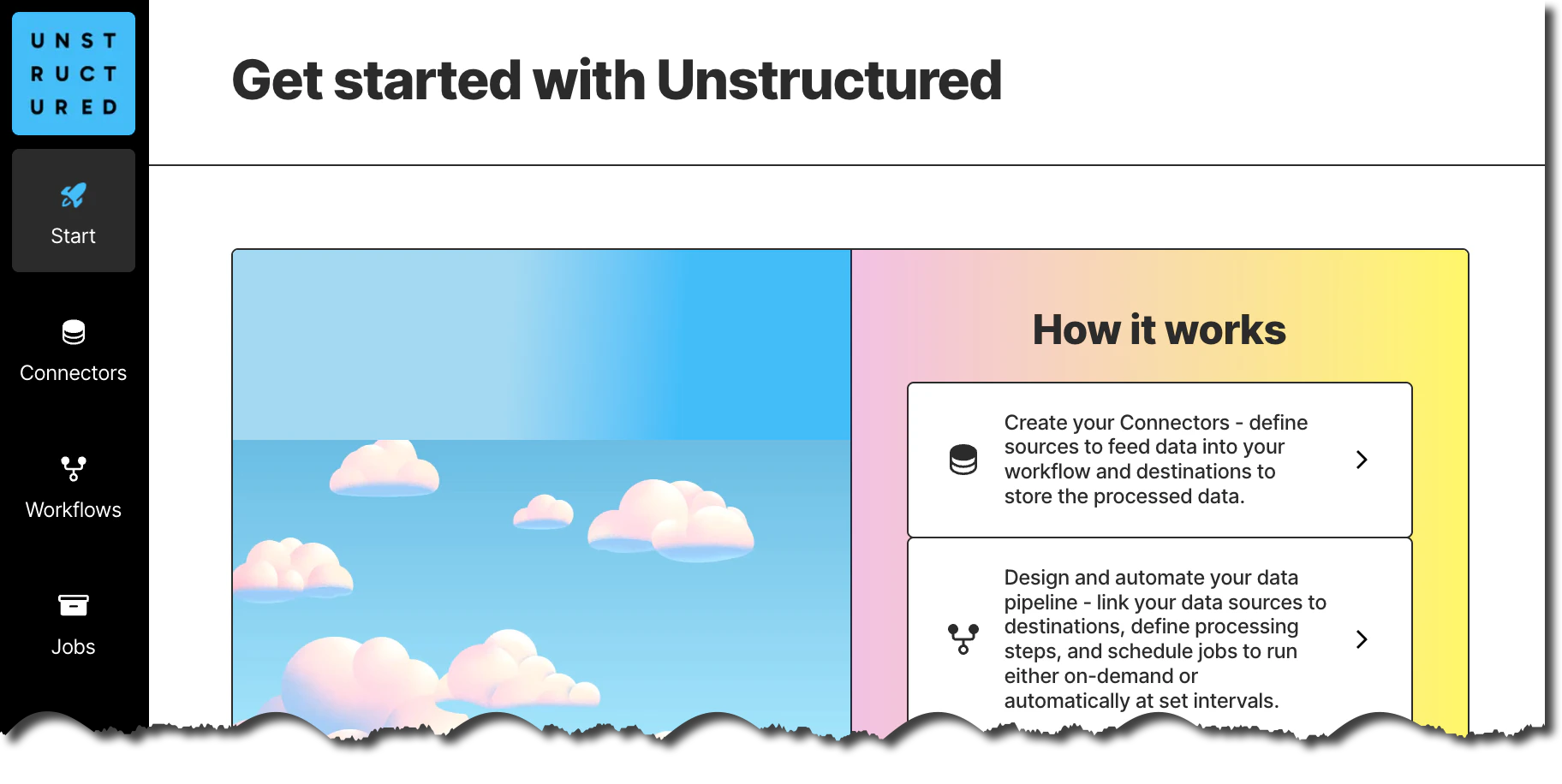
Here is a screenshot of the Unstructured UI **Start** page:
This 90-second video provides a brief overview of the Unstructured UI:
[Read the announcement](https://unstructured.io/blog/introducing-unstructured-platform-the-enterprise-etl-platform-for-the-genai-tech-stackintroducing-unstructured-platform-beta-the-enterprise-etl-platform-for-the-genai-tech-stack).
## How does it work?
To get your data RAG-ready, Unstructured moves it through the following process:
```mermaid theme={null}
flowchart LR
Connect-->Route-->Transform-->Chunk-->Enrich-->Embed-->Persist
```
Unstructured offers multiple [source connectors](/ui/sources/overview) to connect to your data in its existing location.
Routing determines which strategy Unstructured uses to transform your documents into Unstructured's canonical JSON schema. Unstructured provides four [partitioning](/ui/partitioning) strategies for document transformation, as follows.
Unstructured recommends that you choose the **Auto** partitioning strategy in most cases. With **Auto**, Unstructured does all
the heavy lifting, optimizing at runtime for the highest quality at the lowest cost page-by-page.
You should consider the following additional strategies only if you are absolutely sure that your documents are of the same
type. Each of the following strategies are best suited for specific situations. Choosing one of these
strategies other than **Auto** for sets of documents of different types could produce undesirable results,
including reduction in transformation quality.
* **VLM**: For the highest-quality transformation of these file types: `.bmp`, `.gif`, `.heic`, `.jpeg`, `.jpg`, `.pdf`, `.png`, `.tiff`, and `.webp`.
* **High Res**: For all other [supported file types](/ui/supported-file-types), and for the generation of bounding box coordinates.
* **Fast**: For text-only documents.
Your source document is transformed into Unstructured's canonical JSON schema. Regardless of the input document, this JSON schema gives you a [standardized output](/ui/document-elements). It contains more than 20 elements, such as `Header`, `Footer`, `Title`, `NarrativeText`, `Table`, `Image`, and many more. Each document is wrapped in extensive metadata so you can understand languages, file types, sources, hierarchies, and much more.
Unstructured provides these [chunking](/ui/chunking) strategies:
* **Basic** combines sequential elements up to specified size limits. Oversized elements are split, while tables are isolated and divided if necessary. Overlap between chunks is optional.
* **By Title** uses semantic chunking, understands the layout of the document, and makes intelligent splits.
* **By Page** attempts to preserve page boundaries when determining the chunks' contents.
* **By Similarity** uses an embedding model to identify topically similar sequential elements and combines them into chunks.
Images and tables can be optionally summarized. This generates enriched content around the images or tables that were parsed during the transformation process.
Unstructured uses optional third-party [embedding](/ui/embedding) providers such as OpenAI.
Unstructured offers multiple [destination connectors](/ui/destinations/overview), including all major vector databases.
To simplify this process and provide it as a no-code solution, Unstructured brings together these key concepts:
```mermaid theme={null}
flowchart LR
SC[Source Connectors]
DC[Destination Connectors]
W[Workflow]
J[Jobs]
SC --> W
DC --> W
W --> J
```
[Source connectors](/ui/sources/overview) to ingest your data into Unstructured for transformation.
[Destination connectors](/ui/destinations/overview) tell Unstructured where to write your transformed data to.
A [workflow](/ui/workflows) connects sources to destinations and provide chunking, embedding, and scheduling options.
[Jobs](/ui/jobs) enable you to monitor data transformation progress.
## What support is there for compliance?
The platform is designed for global reach with SOC2 Type 1, SOC2 Type 2, and HIPAA compliance. It has support for over 50 languages.
## How do I get started?
Skip ahead to the [quickstart](/ui/quickstart).
## How do I get help?
[Contact us directly](https://unstructured.io/contact), or join our [Slack community](https://short.unstructured.io/pzw05l7).
For enterprise support, email Unstructured Sales at [sales@unstructured.io](mailto:sales@unstructured.io).
 This 90-second video provides a brief overview of the Unstructured UI: